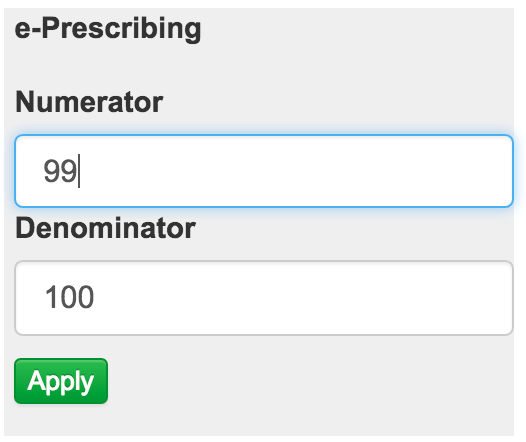
All Advancing Care Information (ACI) measures can be easily reported with MDinteractive. Log into your account and next to ACI, click on "Add/Edit Measures. Determine which set of measures to report based on the edition of your EHR. Complete the pre-attestation, and then enter the Numerator and Denominator, derived from reports run on your EHR, for each measure into MDinteractive. Note that in order to receive any credit for this category, all base measures (including answering "yes" to the Security and Risk Analysis) must be reported:
In 2018, there are two measure set options for reporting. The option you use to submit your data is based on your electronic health record edition.
- Advancing Care Information Transition Objectives and Measures (This will be the most commonly used option because most EHRs are certified to the 2014 Edition)
- Security Risk Analysis (required for base score)
- e-Prescribing (required for base score)
- Provide Patient Access (required for base score)
- Health Information Exchange (required for base score)
- View, Download, or Transmit (VDT)
- Patient-Specific Education
- Secure Messaging
- Medication Reconciliation
- Immunization Registry Reporting
- Specialized Registry Reporting
- Syndromic Surveillance Reporting
- Advancing Care Information Objectives and Measures (EHR certified to the 2015 Edition) - use of this set of measures (if applicable) will earn bonus points within the ACI category.
- Security Risk Analysis (required for base score)
- e-Prescribing (required for base score)
- Provide Patient Access (required for base score)
- Send a Summary of Care (required for base score)
- Request/Accept Summary Care (required for base score)
- Patient Specific Education
- View, Download or Transmit (VDT)
- Secure Messaging
- Patient-Generated Health Data
- Clinical Information Reconciliation
- Immunization Registry Reporting
- Clinical Data Registry Reporting
- Syndromic Surveillance Reporting
- Electronic Case Reporting
- Public Health Registry Reporting